You don't actually store Bitcoin in a wallet. That sounds like a trick question, but it’s the most important thing to understand before you buy your first coin. Your crypto lives on the blockchain-a public, digital ledger. What you call a "wallet" is really just a keychain. It holds the private keys, which are cryptographic codes that prove ownership and allow you to sign transactions. If you lose those keys, your money is gone forever. If someone else gets them, they can take it all.
This distinction changes everything about how we think about security. You aren't protecting a bank account; you're protecting a password that never resets. The market for these tools is massive, serving over 420 million users globally as of late 2025. But not all wallets are built the same. Some are designed for speed, others for safety. Choosing the wrong one for your needs can lead to frustration or financial loss. Let's break down exactly what types exist, who they are for, and how to keep your assets safe.
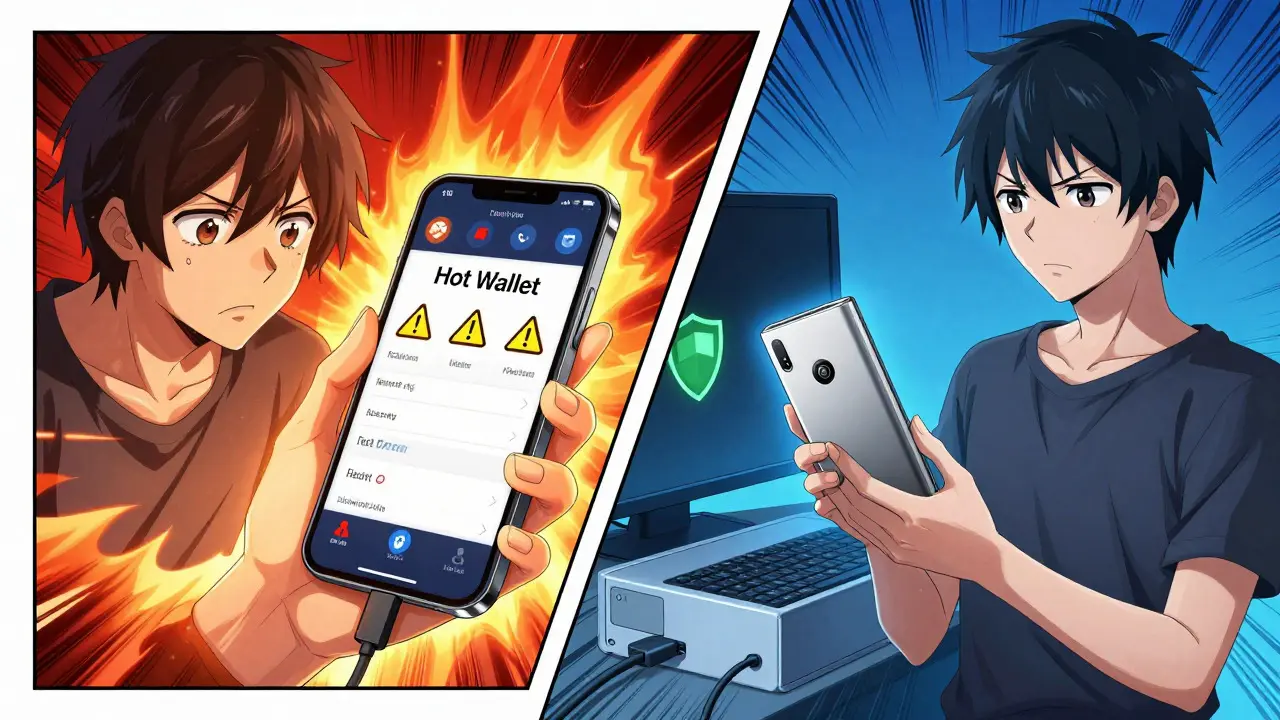
Hot Wallets: Speed Over Safety
A hot wallet is any cryptocurrency wallet connected to the internet. Think of this like cash in your pocket. It’s convenient, accessible, and ready to use whenever you need it. However, because it’s online, it’s also exposed to hackers, phishing scams, and malware. Hot wallets dominate daily activity, handling about 78% of all crypto transactions according to recent industry analysis.
There are three main flavors of hot wallets:
- Web-based wallets: These run in your browser. MetaMask is the giant here. Created in 2016, it operates as an extension for Chrome, Firefox, Brave, and Edge. It supports over 1,200 tokens across networks like Ethereum and Polygon. It’s the go-to for interacting with decentralized apps (dApps). In Q3 2025 alone, MetaMask processed roughly 2.1 million daily transactions. It’s fast, but security experts warn that browser extensions are vulnerable. Dr. Sarah Khatry from Kaspersky noted that 68% of wallet-related breaches come from browser vulnerabilities.
- Mobile wallets: Apps like Trust Wallet live on your phone. Trust Wallet, acquired by Binance in 2018, supports millions of token contracts across 70+ blockchains. It requires Android 8.0+ or iOS 12.0+. Mobile wallets are great for scanning QR codes at stores or managing NFTs on the go. They often include biometric locks (fingerprint or FaceID), adding a layer of physical security to the software.
- Desktop wallets: Software installed directly on your computer. These offer more control than web wallets but are only as secure as your PC. If your laptop has a virus, your wallet is at risk.
- The Active Trader: If you’re buying and selling daily, or interacting with DeFi protocols like Uniswap or Aave, you need a hot wallet. MetaMask or Trust Wallet are top choices. Keep only what you need for trading in these wallets. Use multi-factor authentication (MFA) and beware of phishing links.
- The Long-Term Holder: If you bought Bitcoin or Ethereum and plan to hold it for years, put it in a hardware wallet. The extra cost ($50-$180) is insurance for your investment. Institutional investors use cold storage for 73% of their holdings for this exact reason.
- The Beginner: Start with a reputable custodial exchange to learn the ropes. Once you understand the basics, move to a simple non-custodial mobile wallet like Zengo, which uses biometric keyless security, or a desktop wallet like Exodus, which has an intuitive interface and built-in swapping features.
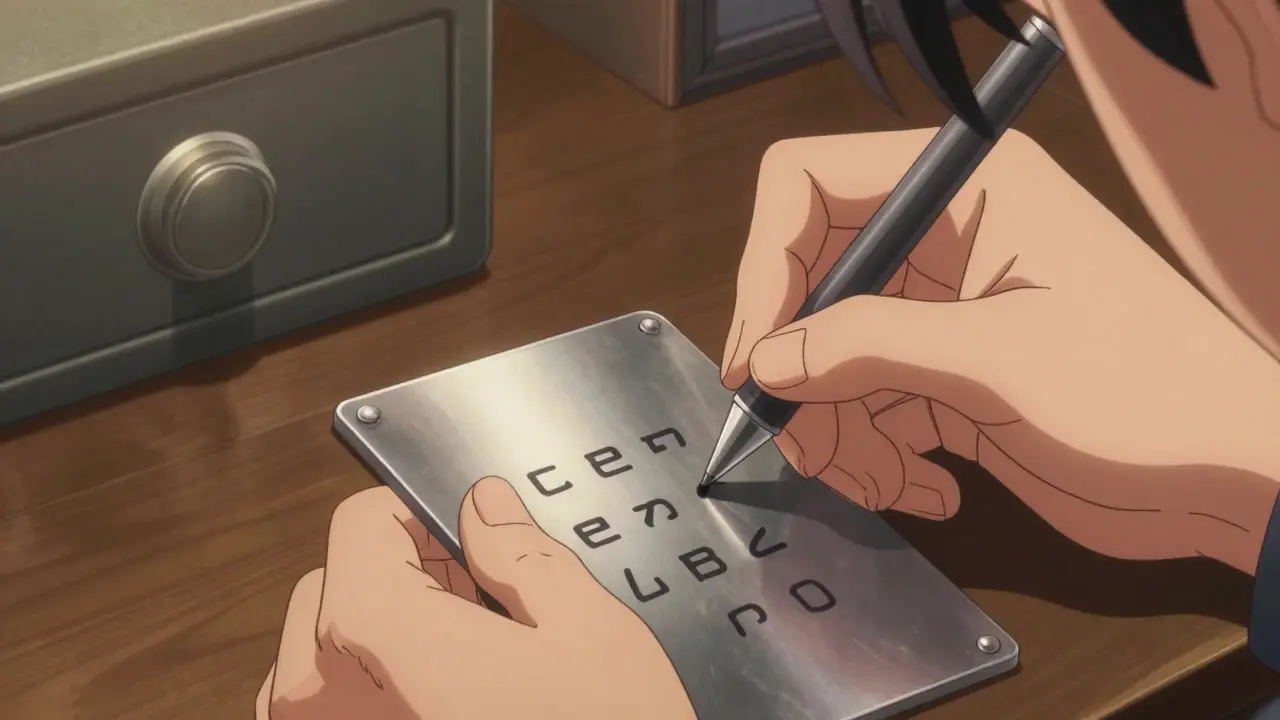
- Write down your seed phrase: Every non-custodial wallet gives you a 12 or 24-word recovery phrase. Write it on paper or metal. Never save it digitally. No screenshots, no cloud notes, no email drafts. Hackers target these files specifically. Store it in a fireproof safe or a hidden location at home.
- Verify addresses manually: Before sending large amounts, double-check the recipient address character by character. Copy-paste errors are common. With hardware wallets, always verify the address displayed on the device screen matches the one on your computer.
- Beware of phishing: 14% of hot wallet users reported phishing attempts in a 2025 survey. Always bookmark official sites. Check URLs carefully. If a website asks for your seed phrase, close it immediately. Legitimate services never ask for your seed phrase.
- Keep firmware updated: Manufacturers release updates to patch vulnerabilities. Dan Guido from Trail of Bits warned about undisclosed vulnerabilities in firmware update mechanisms. Ensure you download updates only from official sources.
- Use separate devices: If possible, use a dedicated computer or phone for crypto transactions. Avoid using public Wi-Fi for signing transactions.
The trade-off is clear: convenience comes with risk. CipherTrace reported $2.7 billion stolen from hot wallets in 2024. For small amounts or frequent trading, this risk is manageable. For life savings? Probably not.
Cold Wallets: The Digital Safe Deposit Box
If hot wallets are your pocket change, cold wallets are offline storage solutions that keep private keys away from internet-connected devices. These are designed for long-term holding, often called "HODLing." As of 2024, cold wallets secured an estimated 63% of all cryptocurrency value held globally. Why? Because if it’s offline, it’s nearly impossible for a remote hacker to steal from it.
The most common type of cold wallet is the hardware wallet, which is a physical USB-like device that stores private keys in a secure chip. When you want to send crypto, you plug the device in, connect it to a computer or phone, and approve the transaction physically on the device itself. The private key never leaves the hardware. The signature is created inside the secure element and sent back out.
Two brands dominate this space: Trezor and Ledger.
| Feature | Trezor Model One | Ledger Nano X | Ledger Nano Flex |
|---|---|---|---|
| Price (approx.) | $49 | $149 | $179 |
| Connectivity | USB only | Bluetooth 5.0 + USB | Bluetooth 5.2 + USB |
| Screen | Small OLED | Small OLED | 2.8-inch E Ink Touchscreen |
| Supported Coins | ~1,000 | 5,500+ | 5,500+ |
| Security Chip | Microcontroller isolation | CC EAL6+ Certified Secure Element | CC EAL6+ Certified Secure Element |
Trezor Model One, launched in 2016, is the entry-level choice. It’s open-source, meaning anyone can inspect the code for bugs. Ledger devices use a proprietary "Secure Element" chip, similar to those in passports and credit cards, which offers high resistance to physical tampering. The newer Ledger Nano Flex, released in September 2025, adds a customizable touchscreen, making complex address verification easier. However, hardware wallets have a steeper learning curve. About 28% of Ledger reviews mention difficulty with the seed phrase setup process.
Custodial vs. Non-Custodial: Who Holds the Keys?
This is a critical distinction that often confuses beginners. It’s not about whether the wallet is hot or cold, but who controls the private keys.
Custodial wallets are managed by a third party, usually an exchange like Coinbase or Binance. When you buy Bitcoin on Coinbase, it sits in their vault. You log in with a username and password. This is like having money in a traditional bank. If you forget your password, customer support can help you reset it. But remember the mantra: "Not your keys, not your coins." If the exchange goes bankrupt or gets hacked, your funds might be frozen or lost. Custodial wallets are easiest for beginners but least secure against institutional failure.
Non-custodial wallets give you full control. MetaMask, Exodus, Trezor, and Ledger are non-custodial. You generate the keys, you store them, you manage them. There is no customer support to call if you make a mistake. If you lose your recovery phrase, the money is gone. This autonomy is why many crypto purists prefer non-custodial options. It aligns with the core philosophy of decentralization.
Choosing the Right Wallet for Your Needs
So, which one should you pick? It depends entirely on what you’re doing with your crypto. Here is a practical breakdown based on user behavior data from 2025.
Don’t mix your strategies. Don’t keep your entire net worth in a browser extension. And don’t try to use a hardware wallet for every micro-transaction; it’s too slow. Use a hybrid approach: a hot wallet for spending and a cold wallet for saving.
Security Best Practices: Protecting Your Assets
Even the best wallet is useless if you handle it poorly. Security is a habit, not a feature. Here are non-negotiable rules for keeping your crypto safe in 2026.
Remember, the blockchain is immutable. Transactions cannot be reversed. Unlike a credit card chargeback, there is no safety net. Your vigilance is the only defense.
The Future of Crypto Wallets
The technology is evolving rapidly. We’re seeing a shift toward better user experience without sacrificing security. MetaMask introduced passwordless authentication using ERC-6492 in August 2025, reducing friction for new users. Zengo pioneered biometric seed phrase recovery, splitting the key among multiple devices so losing one doesn’t mean losing access.
Regulation is also tightening. The EU’s MiCA framework, effective December 2024, requires stricter KYC procedures for wallet providers serving European customers. This may impact some non-custodial features. Meanwhile, quantum computing poses a long-term threat to current encryption standards, though post-quantum cryptography solutions are already in development.
By 2028, Gartner predicts 65% mainstream adoption of self-custody wallets. As interfaces become simpler and security becomes more robust, the barrier to entry will lower. But the fundamental principle remains: understanding your keys is understanding your freedom.
What happens if I lose my hardware wallet?
If you lose your physical hardware wallet device, you do not lose your crypto. As long as you have your 12 or 24-word seed phrase (recovery phrase), you can restore your wallet on a new device. Buy a replacement wallet, select "Restore from Seed," and enter your words. Your funds will reappear. The device is just a tool to access the keys stored in your memory (the seed phrase).
Is MetaMask safe to use?
MetaMask is widely considered safe for its intended purpose: interacting with decentralized applications. However, because it is a hot wallet connected to the internet, it is vulnerable to phishing attacks and malicious smart contracts. To stay safe, only connect MetaMask to trusted websites, enable the built-in phishing detection, and never share your seed phrase. For large amounts of idle crypto, transfer them to a hardware wallet.
Should beginners use a hardware wallet?
It depends on the amount of money involved. If you are investing less than $1,000, a reputable hot wallet like Trust Wallet or Exodus is sufficient and easier to use. If you are storing significant life savings, a hardware wallet is highly recommended despite the steeper learning curve. The peace of mind and superior security justify the cost and setup time for larger holdings.
What is the difference between a hot and cold wallet?
A hot wallet is connected to the internet, making it convenient for frequent transactions but more vulnerable to online hacks. Examples include mobile apps and browser extensions. A cold wallet is offline, keeping private keys isolated from internet threats. Examples include hardware devices like Ledger and Trezor. Cold wallets are safer for long-term storage, while hot wallets are better for daily use.
Can I use two wallets at the same time?
Yes, most people should. This is called a hybrid strategy. Keep a small amount of crypto in a hot wallet for easy spending, trading, or DeFi interactions. Move the majority of your holdings to a cold wallet for secure, long-term storage. This balances convenience with security, minimizing risk while maintaining usability.